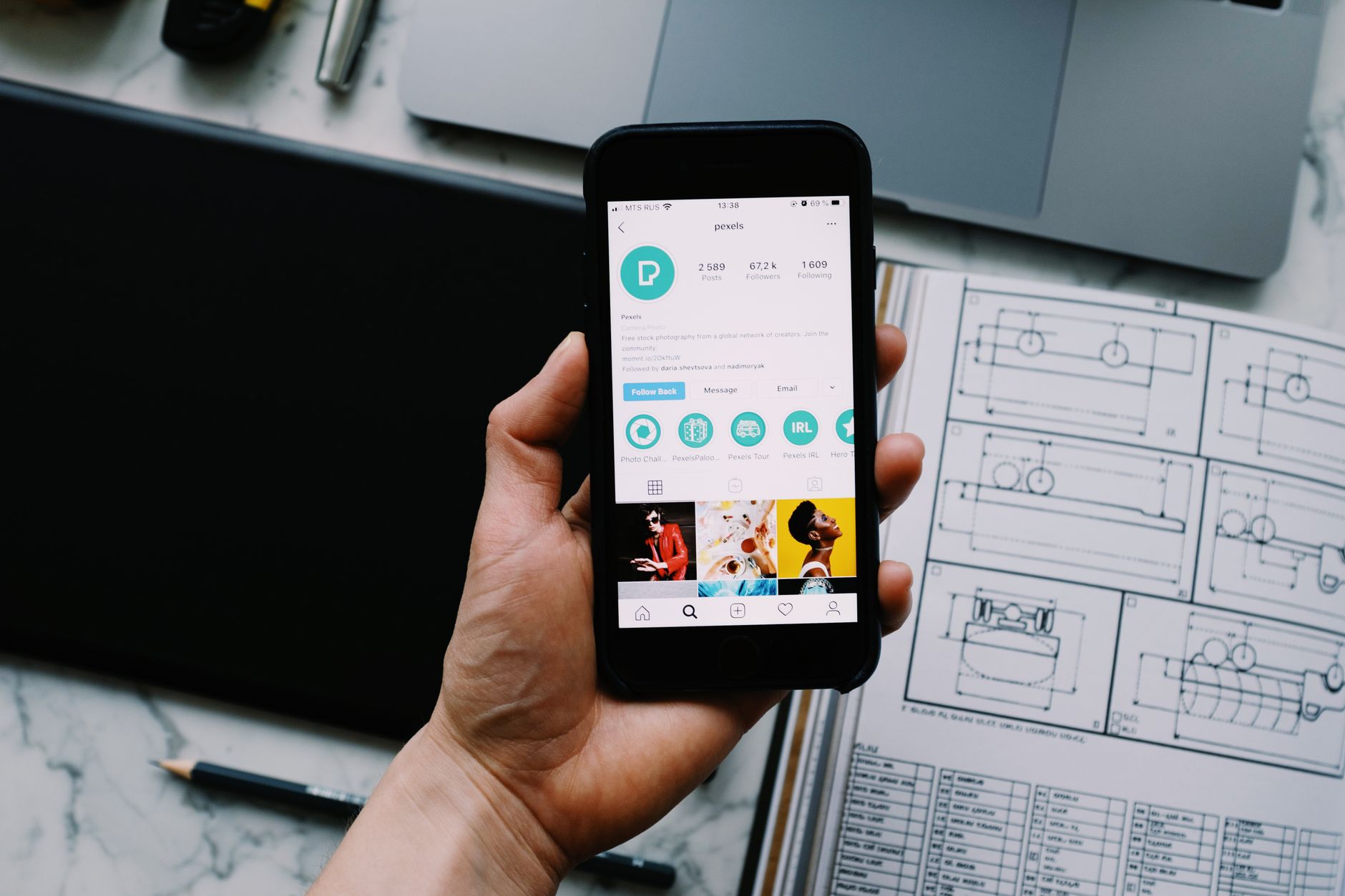
Recovering Your Instagram Account: A Comprehensive Guide
Published 6/13/2026 · English-only editorial content
Introduction to Instagram Account Recovery Instagram, with its vast user base, is a prime target for hackers and cyber attacks. Losing access to your Instagram account can be devas...
Introduction to Instagram Account Recovery
Instagram, with its vast user base, is a prime target for hackers and cyber attacks. Losing access to your Instagram account can be devastating, especially if you use it for business or have a large following. Fortunately, Instagram provides several methods for account recovery. In this article, we will explore the steps you can take to recover your Instagram account, the precautions to prevent future hacks, and the importance of cyber security.
Understanding the Reasons for Account Lockout
Before diving into the recovery process, it's essential to understand why your account might have been locked out. Common reasons include:
- Incorrect Login Attempts: Multiple incorrect login attempts can trigger Instagram's security measures, locking your account.
- Suspicious Activity: If Instagram detects unusual activity from your account, such as logging in from a new location without using the 'login from another location' feature, it may lock your account for security reasons.
- Hacking Attempts: If your account has been compromised by a hacker, Instagram may lock it to prevent further unauthorized access.
- Violation of Terms of Service: Posting content that violates Instagram's terms of service can lead to account suspension or termination.
Step-by-Step Guide to Recovering Your Instagram Account
Recovering your Instagram account involves a series of steps that you must follow carefully. Here’s how you can do it:
- Access the Login Page: Start by navigating to the Instagram login page on your web browser or through the app.
- Forgot Password: Click on 'Forgot Password' and enter your username, email address, or phone number associated with your Instagram account.
- Reset Password: Follow the instructions sent to your email or phone to reset your password. Ensure the new password is strong and unique.
- Two-Factor Authentication (2FA): If you have 2FA enabled, you will need to verify your identity through the chosen method (SMS, authenticator app, etc.).
- Account Verification: In some cases, Instagram may require you to verify your account by providing identification to ensure the account belongs to you.
Preventing Future Account Compromises
Prevention is key when it comes to cyber security. Here are some tips to help secure your Instagram account:
- Use Strong and Unique Passwords: Avoid using the same password across multiple platforms. Consider using a password manager to generate and store complex passwords.
- Enable Two-Factor Authentication (2FA): 2FA adds an extra layer of security, making it harder for hackers to access your account.
- Be Cautious with Third-Party Apps: Only grant access to trusted third-party apps, and regularly review the apps connected to your Instagram account.
- Keep Your Account Information Up-to-Date: Ensure your email address and phone number associated with your Instagram account are current and secure.
Additional Recovery Methods
If the standard recovery process doesn’t work, there are additional steps you can take:
- Report the Issue to Instagram: Use the in-app support feature or visit the Instagram help center to report your issue and seek assistance.
- Fill Out the Instagram Account Recovery Form: If you’re unable to recover your account through the usual methods, you might need to fill out a form providing identification and account details.
- Contact Instagram Support Directly: For severe issues, such as hacking, you may need to contact Instagram support directly for personalized assistance.
Conclusion
Losing access to your Instagram account can be a stressful experience, but with the right approach, recovery is possible. By following the steps outlined in this guide, you can regain access to your account and take proactive measures to prevent future security breaches. Remember, account security is an ongoing process that requires vigilance and adherence to best practices. Stay safe online, and enjoy your Instagram experience without the worry of account compromise.
Related articles
Unlocking Efficient Resolution: The Importance of Priority Support Channels
Introduction to Priority Support Channels In the vast and complex landscape of digital services, ensuring the security and integrity of user accounts is paramount. One crucial aspe...
ReadUnderstanding Safe Execution Protocol for Enhanced Cyber Security
Introduction to Safe Execution Protocol The safe execution protocol is a critical component of cyber security that ensures the secure execution of code and programs within an organ...
ReadThe Power of Success Proof Screenshots: Boosting Credibility and Trust in Social Media
Introduction to Success Proof Screenshots Success proof screenshots have become an essential tool for individuals and businesses looking to establish credibility and trust with the...
Read